 Plinko Bitcoin
1xBet Review
I use 1xGames to find Plinko and keep my game rounds separate from other activity in a sample 1xBet account.
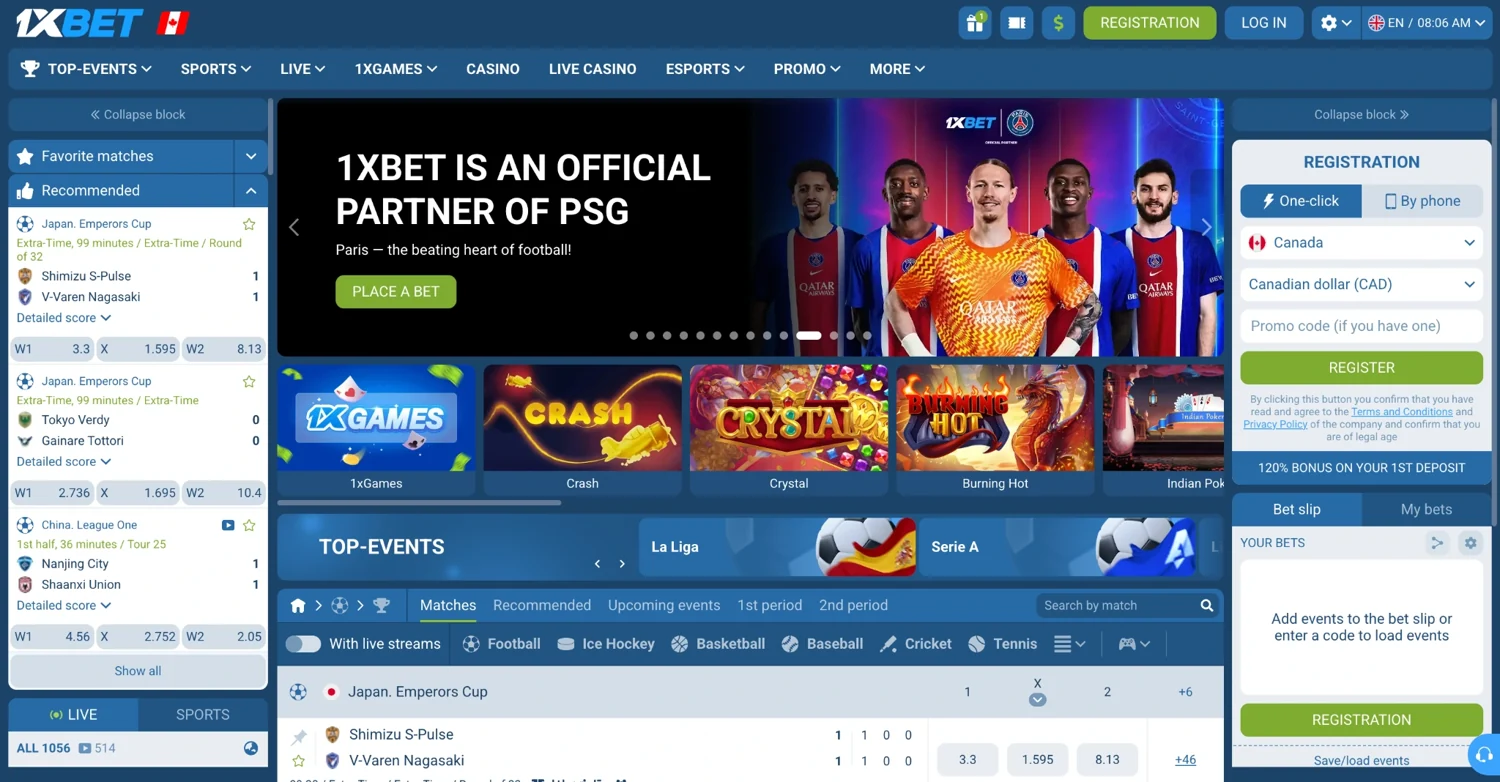
I start in 1xGames for 1xBet Plinko
On the 1xBet home screen, I go to 1xGames before I use search. That puts me in the instant-games area and helps me find the title I want. I open the board and read the risk choices. The brand describes selectable rows and three levels of risk, which gives me two settings to record before comparing payout values. My reference note begins with the product area because I also want an easy path back to it on a phone.
My first sample uses the same amount on each drop. In a fictional 1xGames practice run, I try four $0.30 rounds on Low. Say the outcomes pay $0.24, $0.30, $0.48 and $0.18. I log $1.20 in stakes and $1.20 in total returns. The run ends where it started in game units. That’s a useful reminder to keep each return in the tally, even when the last round shows one of the smaller numbers.
To compare another setting, I keep the row count fixed and move to Medium. Rather than take the first few landings as a measure of the new board, I compare what’s printed in its bins. I mark the central value I’m most interested in and one near an edge. Those figures show the different possible returns on the same stake. My run notes stay attached to the level that produced them.
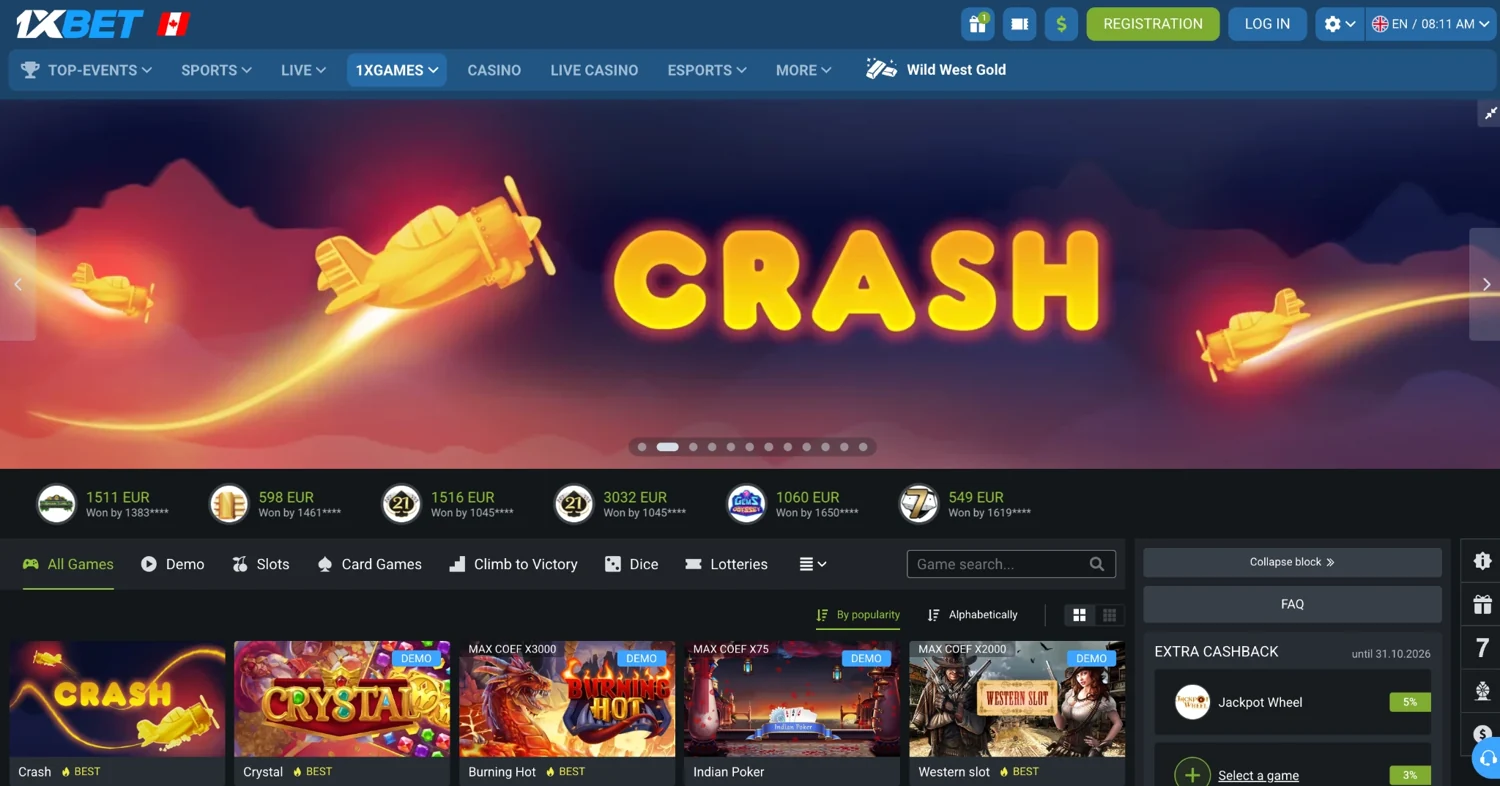
I separate the 1xBet account unit from the deposit currency
The currency by the 1xBet balance tells me which unit to use in my session ledger. I check it the moment I enter the games area, then read the stake unit on the board. If the deposit came from a cryptocurrency wallet, I also look at how the credited amount appears in the account. I record both units next to the transfer so I can see where any conversion occurred.
My sample starts with a CAD balance. I would note a crypto deposit in coin units and preserve the CAD figure shown when the credit arrives. Then I write each drop in CAD. This makes a small difference at the end much easier to interpret. If the bank of game rounds is down by 60 cents and the crypto conversion moved by a different amount, those effects remain on separate lines.
I also save the figure the cashier shows before the request is confirmed. The quote and credit give me two figures to compare cleanly. I would use the same habit if the account showed BTC instead of dollars. What matters is carrying the unit from the screen to the note. A saved screenshot of the balance without the currency label is less useful to me later than a two-line record with both units.
I pair each deposit with its payment details
The published 1xBet payment rules tie withdrawals to the details used for the deposit. I therefore keep the method and account details together in my record, using a short label only I need to recognise. If I use more than one eligible route, I put each deposit on its own line. When I later view the withdrawal tab, I can see which route belongs to which original credit.
For example, in a sample with two deposits worth $15 and $25 in account units, I record them individually even though the balance shows $40. The payment history shows which credit used each method. When I prepare a cash-out I use the payment history to identify the method and compare it with the details shown by the cashier. That is the point of recording them separately.
I use the account payment page to read the coin and network on any crypto option it shows. If the deposit preview gives an expected credit, I write it down before leaving the payment screen. Once the payment shows as credited, I compare the amount against that preview. This gives me the same chain of records I use elsewhere: what the wallet sent and what the account added.
Selected payment methods
- Deposits & withdrawals
- BTC
- ETH
- USDT
- LTC
- DOGE
- Other methods
- Visa
- Mastercard
- Bank transfer
Withdrawals use the original deposit details.
| What to check | What to look for |
|---|---|
| Board | I jot down the row count and risk level before a sample drop. |
| Deposit route | I check the coin and network in the account payment area. |
| Cash-out details | I pair the request with the details of the original deposit. |
How I read a 1xBet balance across products
I track game activity and sportsbook activity separately when they appear under the same sign-in. In an example, I start with $30 and make $2 in instant-game drops. I also have a $5 sport wager waiting to settle. My record shows the $2 as game stakes and the $5 as pending sportsbook activity. When I look at the cash available to withdraw, I can see why the two amounts belong to different lines.
My next check is game history. I compare the time and stake of the last drop against the figures I wrote down. I then look at the sportsbook record if it is relevant to that account. I prefer using those two histories rather than trying to reconstruct activity from one balance. This is especially useful when a game session ends just before a separate event settles.
On a phone I find the relevant activity tab before I start another round. If I’m comparing two products, I keep the game and the cash-out screen in separate tabs and write the timestamp beside each. The extra detail helps when several entries have the same amount. I can see where each one belongs and whether I’m looking at a finished drop or a request that is still waiting.
Cash-out records
- Account
- I pair the request with the details of the original deposit.
- Wallet
- I keep the receiving amount next to the transfer reference.
How I read offers alongside 1xBet cash funds
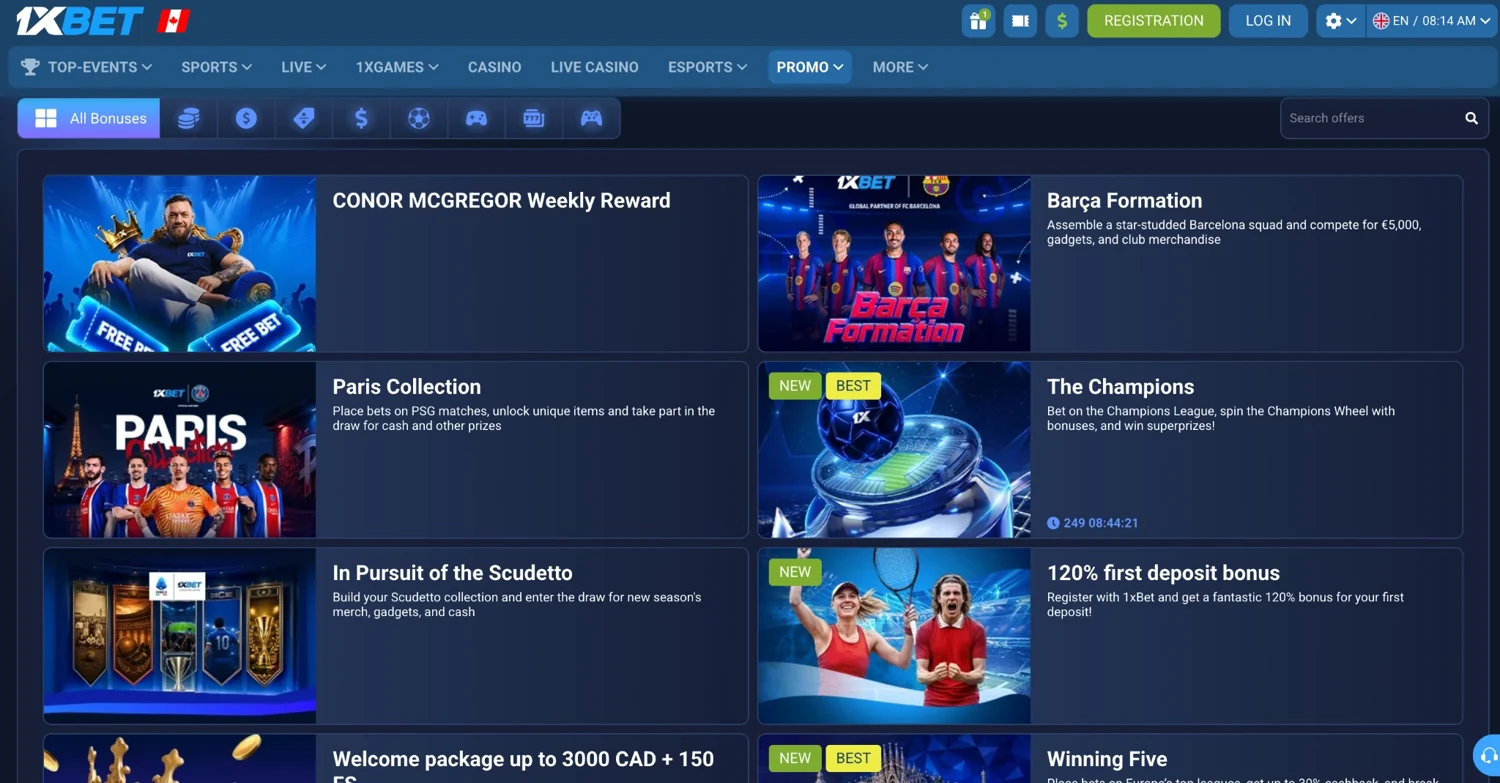
The promotions page groups offers from different parts of the site. I open the offer with the same product label as the one I’m comparing. For a sample focused on instant games I keep the payout maths on a cash-only line. If I want to look at an offer as well, I read its conditions and give it its own balance entry. That keeps the sample easy to follow.
In a fictional $12 session I put $3 of the balance into ten planned $0.30 drops. If I also decide to compare an offer, I copy the offer amount into a new column. I would use the progress counter tied to that offer to see which rounds count. The sample then has a line for game returns and another for the status of the promotion.
I pay attention to the balance label when I switch tabs. An amount tied to a promotion has a different purpose in my notes than the amount the cashier shows for withdrawal. By reading the two figures directly, I can explain the state of the session later without assuming that a number in one part of the site represents the entire account.
The records I use when following a cash-out
Once I have a request reference, I save it with the payment route and expected amount. The cashier history is where I look for the latest status. For an on-chain crypto withdrawal I add the transaction ID when the request shows that the transfer has been sent. I can then compare it with the entry in the destination wallet, using the expected amount to narrow the search.
Say the cashier shows an account-unit equivalent of $18 going out after I enter a requested amount of $20. I copy both displayed values into the example and look for the reason on the request screen. If it shows a fee or conversion, I put that on the same line. Later I compare the actual receiving amount in crypto against the amount quoted in crypto. That prevents a real-time currency quote from obscuring a simpler transfer comparison.
For a question about a pending request I start with the cashier reference. The timestamp and chosen method are the next details I look at. If the request already has an on-chain ID, I use it to pair the cashier entry with the wallet record. The two identifiers let me follow the same payment even when the wallet and the casino use different status labels.
Where 1xBet fits into my Plinko shortlist
I like having an instant-games area to return to. Once I have the correct game open, the risk and row controls give me a practical way to compare payout rows. In a timed example on a phone I would spend the first minute reading those settings and recording the stake. That gives me a clear starting point before I look at the history.
I also like a simple rule for organising payments. My 1xBet notes keep the original deposit method beside the withdrawal request. I record the credited amount in the game’s unit and keep the wallet amount next to it. With those values in place a second read of the cashier is quick. I can look at the method history without having to repeat the game comparison.
What sticks with me about 1xBet Plinko is how I can give the instant game its own small ledger. The settings belong to the board. My round results belong to 1xGames. A pending sports wager or a payment request gets a separate line. That keeps the review useful if I return to the same account later and want to compare just one part of it.
What I like
- I like the dedicated 1xGames path back to Plinko.
- I compare risk levels with the same row count.
What I keep in mind
- I keep a separate entry for cash-outs and pending sports wagers.
Frequently Asked Questions
Where do I look for Plinko at 1xBet?
I start in 1xGames and open the Plinko listing there. Then I read the settings on the board and note the unit beside the stake.
How do I compare the risk levels?
I hold the row count steady and switch risk. I compare the central and edge bins on the two schedules and keep my sample rounds in separate groups.
Which payment detail matters for a withdrawal?
I match the request to the details used for the original deposit, as described in 1xBet’s payment rules. When there are several deposits, I read each method in the payment history.
How do I tell a game return from a change elsewhere in the account?
I look at instant-game history for the stake and return. I check sports activity and the cashier separately, then keep each change on the matching line in my notes.
What information do I save for a sent crypto withdrawal?
I keep the account request reference and the expected amount. If it was sent on-chain, I add the transaction ID so I can match the payment in the wallet.